From First Move to Final Match: Building a Modern Tic-Tac-Toe Game
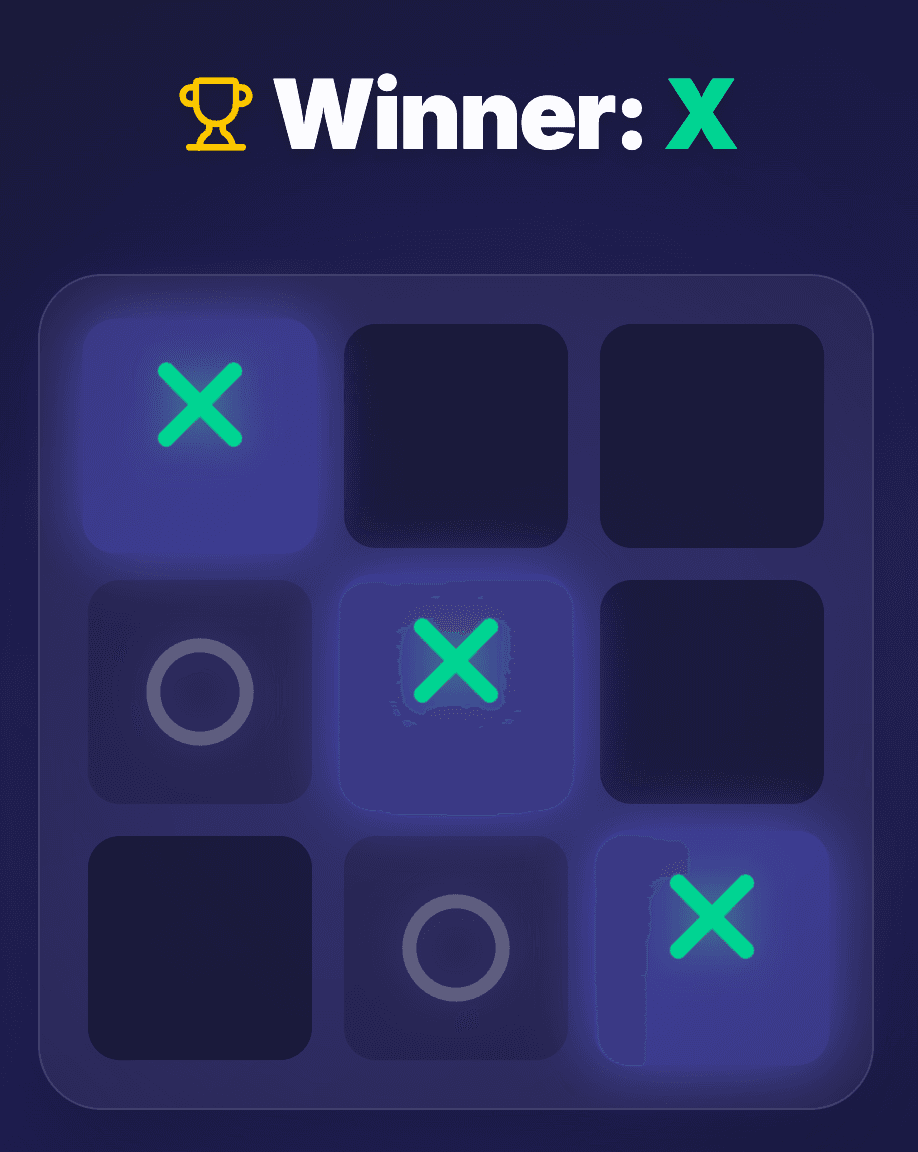
What started as a simple coding exercise evolved into a feature-rich, modern web application. In just under a week, I transformed the classic Tic-Tac-Toe into a competitive multiplayer experience with an AI that's almost impossible to beat.
Here’s the story of how this game came to life.
🕒 The 6-Day Development Sprint
Based on the git history, the entire project from initial commit to the final scoring system took approximately 6 days (specifically 5 days, 16 hours, and 41 minutes).
The Roadmap:
- Day 1 (Apr 25): Project initialization and core Test-Driven Development (TDD).
- Day 2 (Apr 26): Implementing game logic and initial sleek styling.
- Day 3 (Apr 27): Real-time multiplayer support and hooks refactoring.
- Day 4 (Apr 28): VS Computer mode, keyboard navigation, and custom assets.
- Day 5 (Apr 29): Accessibility polishing and performance optimization.
- Day 6 (Apr 30): Persistent scoring system and final refinements.
🧪 Built with TDD from Day One
This project wasn't just about the end result; it was about the process. I followed a strict Test-Driven Development (TDD) approach for every single feature.
The workflow was consistent: start with a test suite for a simple game lifecycle, verify the failures, and then build the implementation to satisfy them. This method was applied all over the game, from the core grid logic to the complex WebSocket state synchronization, ensuring a rock-solid foundation at every step.
🛠️ The Tech Stack
To build a "premium" feel, I chose modern, high-performance tools:
- TanStack Start: For a robust, type-safe full-stack React framework.
- React 19: Leveraging the latest features for UI management.
- WebSockets (Nitro/CrossWS): For near-instant communication in multiplayer matches.
- Tailwind CSS: For that clean, glassmorphic design.
- Playwright: For comprehensive end-to-end testing.
🚀 Why TanStack Start?
I’ve been a fan of the TanStack ecosystem for a long time. I’ve followed their progress and used their smaller libraries for years, but I had never actually built a full-scale project with TanStack Start until now. And honestly? Cheers for that!
I chose it because it offers incredible "building blocks" for modern React apps. The way it integrates routing, data fetching, and server-side logic into a single, cohesive, and fully type-safe experience is impressive. It allowed me to move fast while maintaining a level of confidence in the code that is hard to achieve with more fragmented stacks. It’s a framework that truly prioritizes developer experience (DX) and rock-solid reliability.
🏗️ Engineering for Scale & Reliability
While Tic-Tac-Toe is a simple game, the engineering behind it was built with a production-first mindset. I treated this project as if it were a high-traffic system:
1. Robust E2E Testing with Playwright
Multiplayer games are notoriously difficult to test due to their asynchronous nature. I implemented a comprehensive Playwright suite that simulates two concurrent users in separate browser contexts. This allowed me to automatically verify matchmaking, turn-taking, and win/draw conditions across both clients simultaneously. This level of testing is almost impossible to reliably perform manually.
2. Clean Code & Automated Quality Control
To maintain a high standard, I integrated modern tooling into the daily workflow:
- Biome: For lightning-fast linting and formatting, keeping the codebase consistent and catching errors early.
- Husky & Git Hooks: Every commit is automatically checked before it reaches the repository, ensuring that broken code never gets checked in.
3. Optimized State Management
In a real-time game, efficiency is key. I leveraged derived state and custom hooks to keep the UI in sync with the WebSocket server without redundant re-renders. This ensures the game feels snappy even on lower-end devices.
🧠 Brains and Brawn: Key Features
1. The Unbeatable AI (Minimax)
The "Expert" mode isn't just random moves. It uses the Minimax algorithm, a recursive backtracking algorithm that explores every possible branch of the game tree. On a 3x3 grid, this makes the computer mathematically impossible to beat. If you play perfectly, you might squeeze out a draw, but you'll never see a "You Win" screen against this bot.
2. Real-Time Multiplayer
Using a custom WebSocket handler, players can join a room, get matched instantly, and play with synchronized states. We even added a "Rematch" feature that swaps symbols to keep the rivalry going!
3. Accessibility & Power User Navigation
Gaming should be for everyone. Beyond standard ARIA labels for screen readers, the board supports full keyboard navigation. And for the fellow nerds out there, I added Vim shortcut support (h, j, k, l), allowing you to fly across the grid without ever touching your mouse.
🥷 The Secret Weapon: Our QA Team
No project is complete without rigorous testing. I was lucky enough to have two excellent QAs on the team: my 6 and 4-year-old ninjas (my sons).
They were responsible for "stress-testing" the UI, ensuring the buttons were big enough for small fingers, and making sure the "X" and "O" animations were "cool enough." Their feedback was brutal but necessary!
🚀 The Quest for Free WebSocket Hosting
When it came time to deploy, I hit a snag. The real-time multiplayer feature required WebSocket support, which narrowed my hosting options.
I initially looked at the usual suspects:
- Vercel: An excellent platform, but it doesn't natively support WebSockets outside of the Next.js framework's specific constructs.
- Netlify: Another great option, but their WebSocket support isn't free.
I ultimately chose Render.com. It seamlessly supported the WebSocket implementation, and best of all, it's completely free ($0)!
The only tradeoff on the free tier is a "cold start." If the server hasn't been accessed in a while, it takes a few seconds to initialize. To handle this without frustrating the user, I implemented clear loading indicators and status feedback, ensuring the "connecting" phase feels intentional rather than like a broken screen. But for a hobby project with zero cost, it's a small price to pay for a lot of power.
🏁 Conclusion
Building this Tic-Tac-Toe game was more than just a coding task; it was an exercise in balancing performance, accessibility, and fun. From the mathematical depth of the Minimax AI to the frantic energy of multiplayer matches, it’s a project that shows how much can be achieved in a single week with the right tools.
Ready for a match? Play the live demo here! or explore the source code on GitHub. See you on the grid!